
Start with a focused local search
Choose a city and business category that fit your web design offer. The lead finder shows candidates for manual review, including listing details and available contact signals.
Product feature
Search local businesses by category and location, filter results with no website listed, and review each prospect before adding it to your pipeline. A missing listing link is a lead to investigate, not proof that a website does not exist.
Request access → account review → approved workspace access.
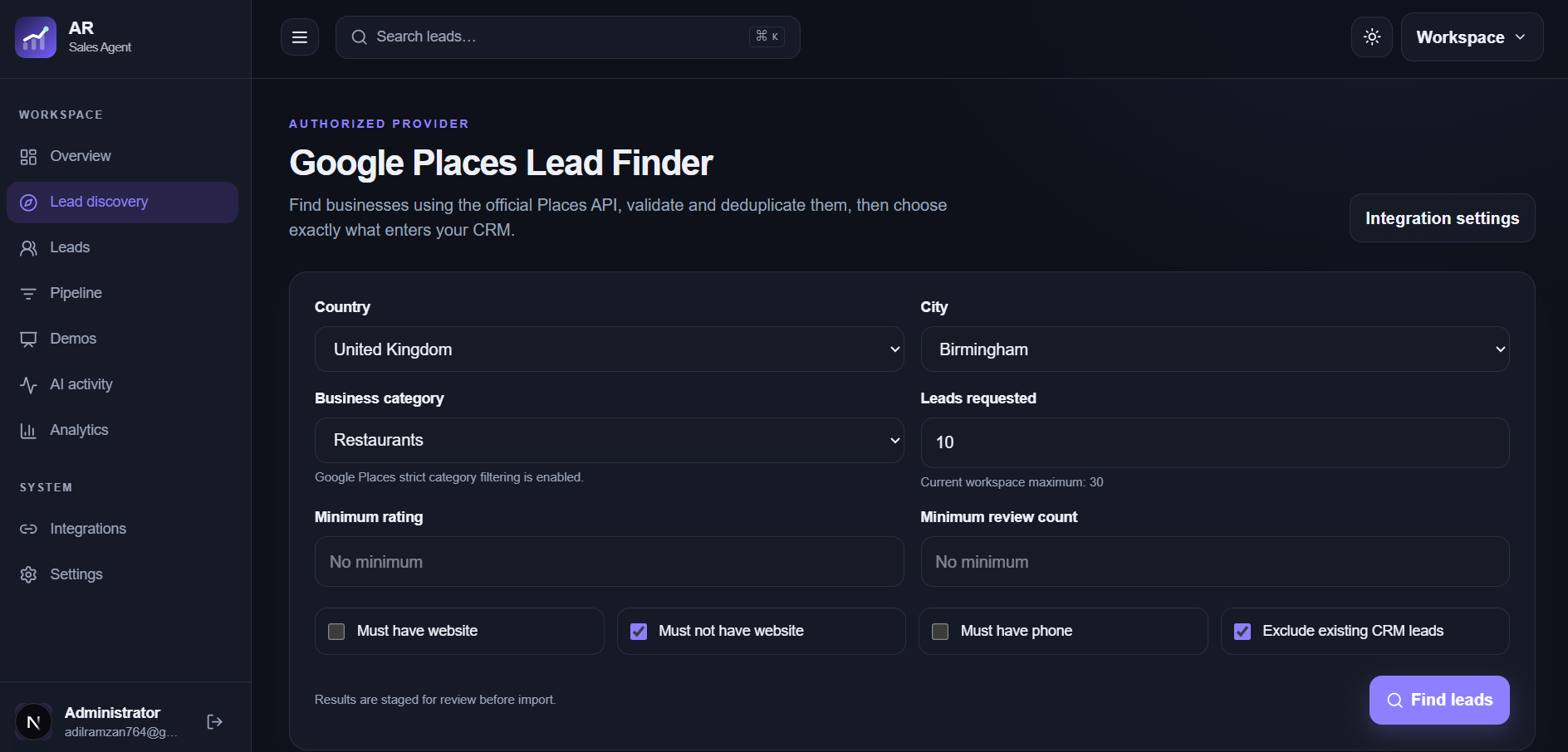
Choose a city and business category that fit your web design offer. The lead finder shows candidates for manual review, including listing details and available contact signals.
Filter for businesses with no website listed, then search the business name, location, and public profiles. Some businesses have a website elsewhere or use a booking platform. Confirm the business identity and online presence before pitching.
Review available business phone, website, and public email information. Email discovery and verification are available in the workspace when supported and subject to usage limits; an address is never guaranteed.
Select relevant candidates for import, keep notes and evidence on the lead, prepare a personalized website demo after qualification, and track manual outreach and follow-ups in the pipeline.
Build a focused prospecting workflow
Request an account and start using the workspace after review and approval.