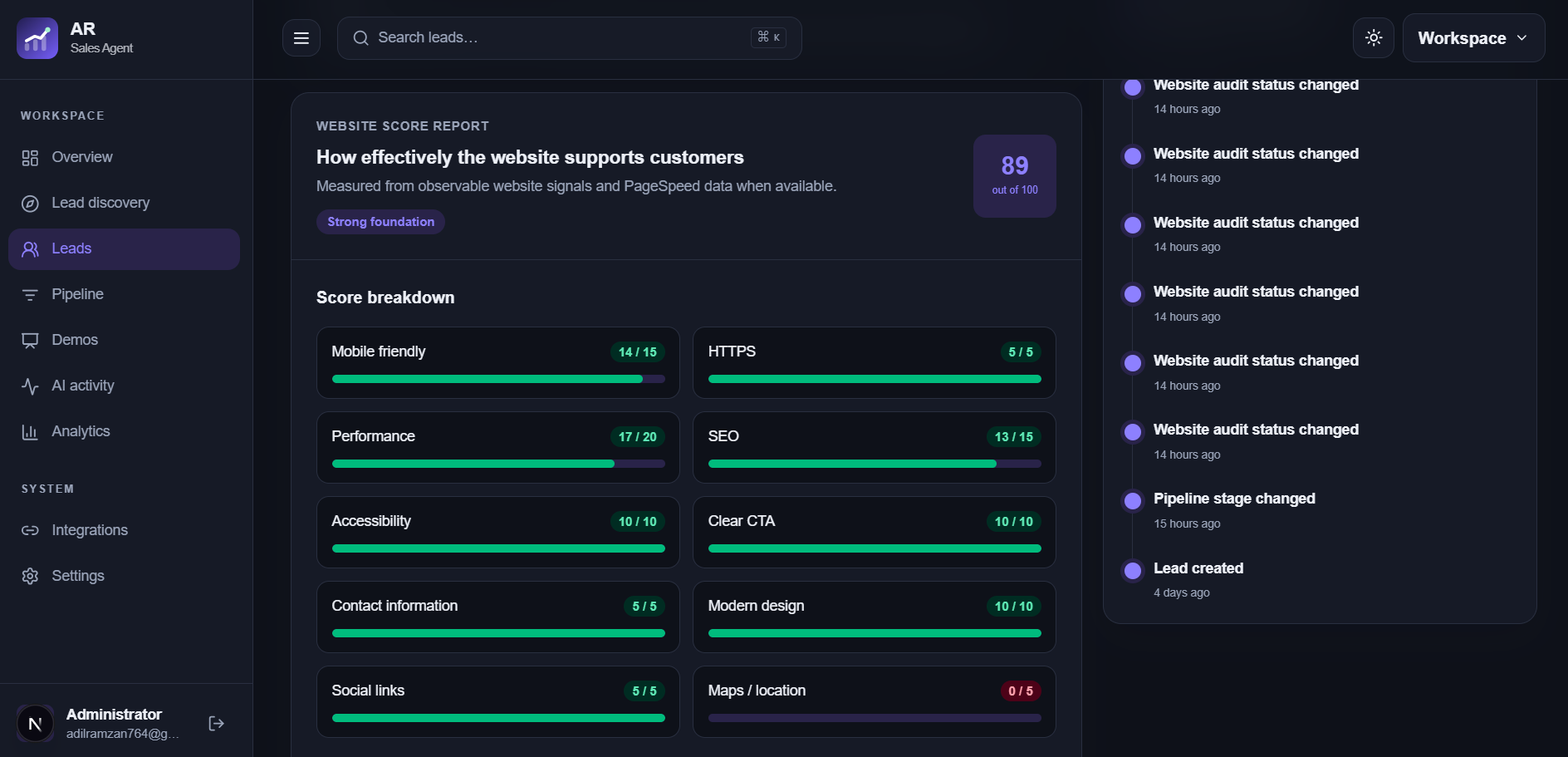
A website opportunity starts with a real customer task: finding a service, understanding a price, booking, or getting in touch. Review the live business presence and write down observable gaps before preparing a concept.
Open the site on desktop and a phone-sized screen. Follow the path from the home page to a service page, contact form, booking link, or phone number. Note broken steps, unclear labels, missing service details, and information that appears outdated. Include the page URL and what you actually observed.
Use scores as supporting evidence
A website audit can surface missing titles, headings, mobile viewport settings, contact options, and calls to action. Review the underlying page evidence and check the live page yourself. A score is a prioritization aid, not a claim that the site is failing its business.
Choose a useful improvement
Focus on one or two issues that matter to customers. A clearer service page, easier booking route, or visible contact option can form a concrete concept. Consider the business's existing booking platforms and social presence before assuming a new site is needed.
Document the reasoning
Keep a short note of the current experience, the proposed change, and what outcome it could help. This gives a demo website a purpose and lets a teammate or future you revisit the original evidence before outreach.
Frequently asked questions
What if a website cannot be assessed reliably?
Do not rely on a score. Review the accessible pages manually and describe only the issues you can observe.
Does a low score prove a redesign will increase sales?
No. It points to checks worth investigating. Business results depend on many factors outside an audit.