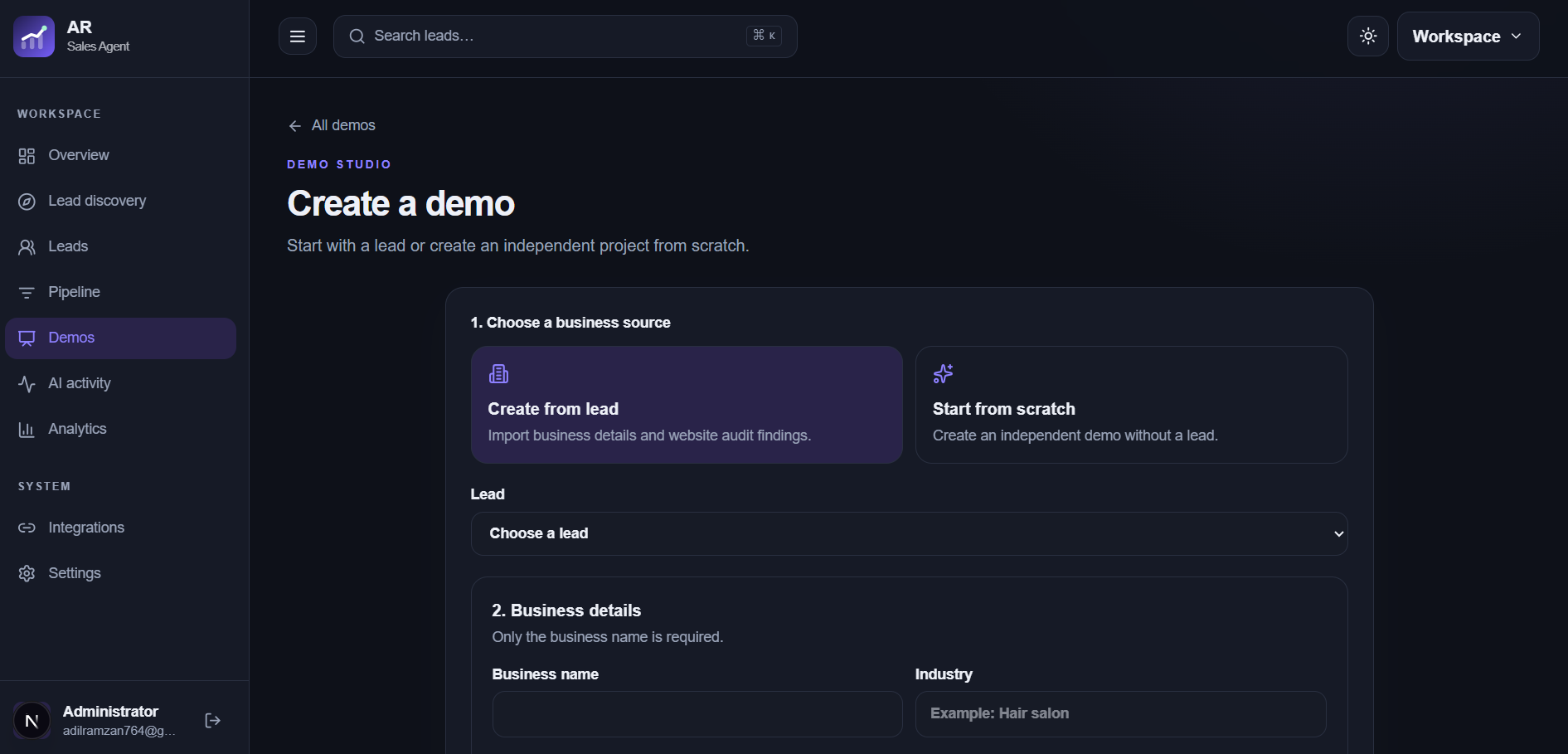
A useful demo shows how a specific business could present its services more clearly. Start from a qualified lead and observed website opportunity, then review the generated concept before you share it.
Use the correct business name, location, services, public contact details, and the opportunity notes you recorded during research. Check that the lead actually fits a website offer. Sparse or uncertain inputs produce a less useful concept, so leave unknown claims out.
Give the concept one clear job
Decide whether the demo should help customers explore services, request a quote, make a booking, or contact the business. Match the page structure and calls to action to that job. A focused example is easier for the business to evaluate than a broad redesign with no stated purpose.
Review every customer-facing claim
Inspect the headline, service descriptions, imagery, contact details, links, and mobile layout. Correct invented facts and remove unsupported testimonials, prices, guarantees, or credentials. Treat the output as a draft for review, not as an official business website.
Share with context
When you send a concept, explain what you observed, what the example explores, and which details still need the business's input. Keep the demo clearly identified as a proposal. Save the conversation and next action with the lead.
Frequently asked questions
Can I generate a demo for any business?
The best starting point is a qualified lead with a real website opportunity and enough verified information to make the concept relevant.
Is the demo the business's official website?
No. It is a reviewable concept. The business should approve factual content and any production use.