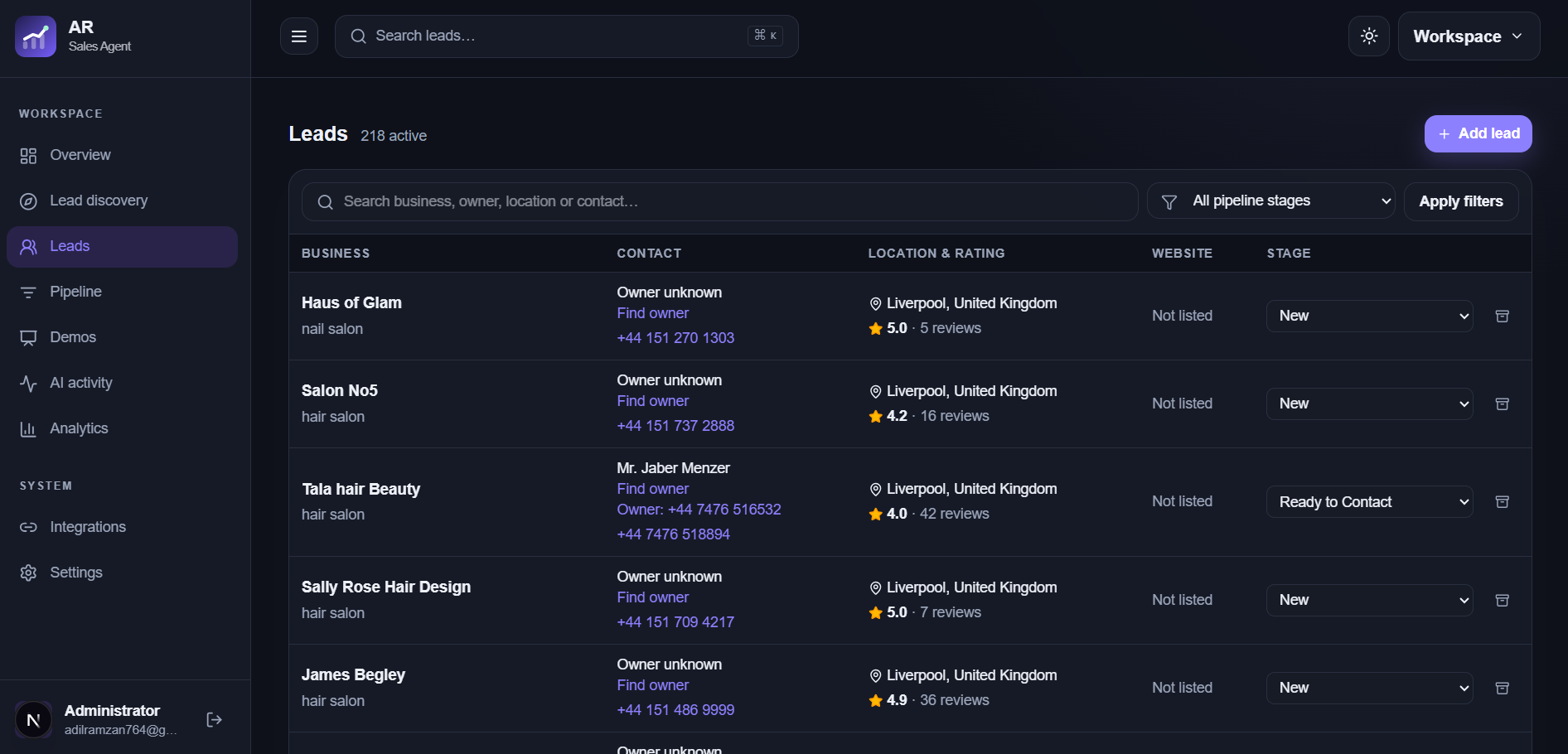
Existing spreadsheets and individual referrals can enter the same lead workflow as discovery results. Review business identity, contact sources, and duplicate signals before adding records to your pipeline.
A manual lead works well for a referral or a prospect you investigated yourself. Enter its business name, website, location, public contact route, and source. Leave unknown fields blank and add a note explaining the opportunity rather than filling gaps with guesses.
Prepare a useful CSV
Give each business its own row and keep columns consistent. Include identifying details such as business name and location, then website, email, phone, and source where available. Review formatting and remove rows you do not intend to work before upload.
Review the import preview
The workspace validates and previews CSV records, flags likely duplicates, and reports row outcomes. Check mapped columns and questionable records before import. A row that imports successfully still needs research before outreach.
Keep source and next steps together
After import, open promising leads, verify public business details, and record why your service may fit. Add a next action and stage only when the record is ready for your sales process.
Frequently asked questions
Can I import a spreadsheet without a CSV file?
Export the relevant sheet as CSV, review its columns, then use the CSV import workflow.
Are imported leads automatically contacted?
No. Import creates records for your review; outreach remains your decision.