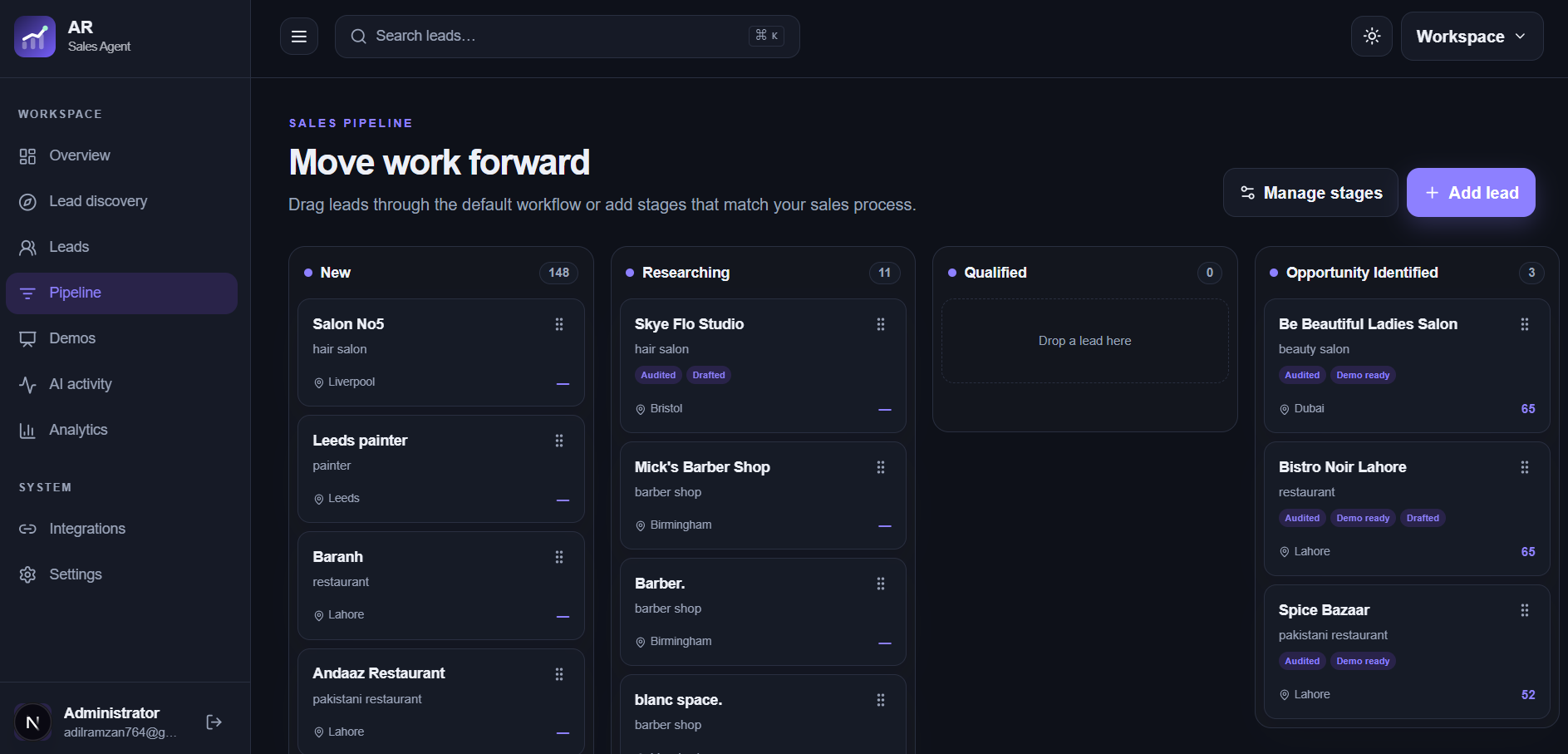
A lead record should tell you who the business is, why it might be a fit, what happened last, and what happens next. Keep those details together as a prospect moves from research to a conversation, proposal, or outcome.
Add the business name, location, website, and published contact route. Keep the source of the record and your reason for considering it. A lead finder result or CSV row is a starting point; review it before treating it as a sales opportunity.
Use stages to reflect real progress
Move leads through stages when the underlying work changes: researched, contacted, discussing a need, preparing a proposal, or closed. A stage should help you see what action is needed, not replace notes about the actual conversation.
Keep the evidence in reach
Store website findings, contact source notes, demo links, and outreach history with the lead. When you return after a week, you should be able to understand the original opportunity and whether it still applies.
Review the pipeline regularly
Check leads without a next action, follow-ups that are due, and opportunities whose assumptions have changed. Close or archive records that no longer fit. A smaller, reviewed pipeline is more useful than an ever-growing list of unverified businesses.
Frequently asked questions
Can I add a lead without using discovery?
Yes. Add a business manually or import reviewed CSV records into the workspace.
Does moving a stage send a message?
No. Stages organize your work; you choose and send outreach yourself.