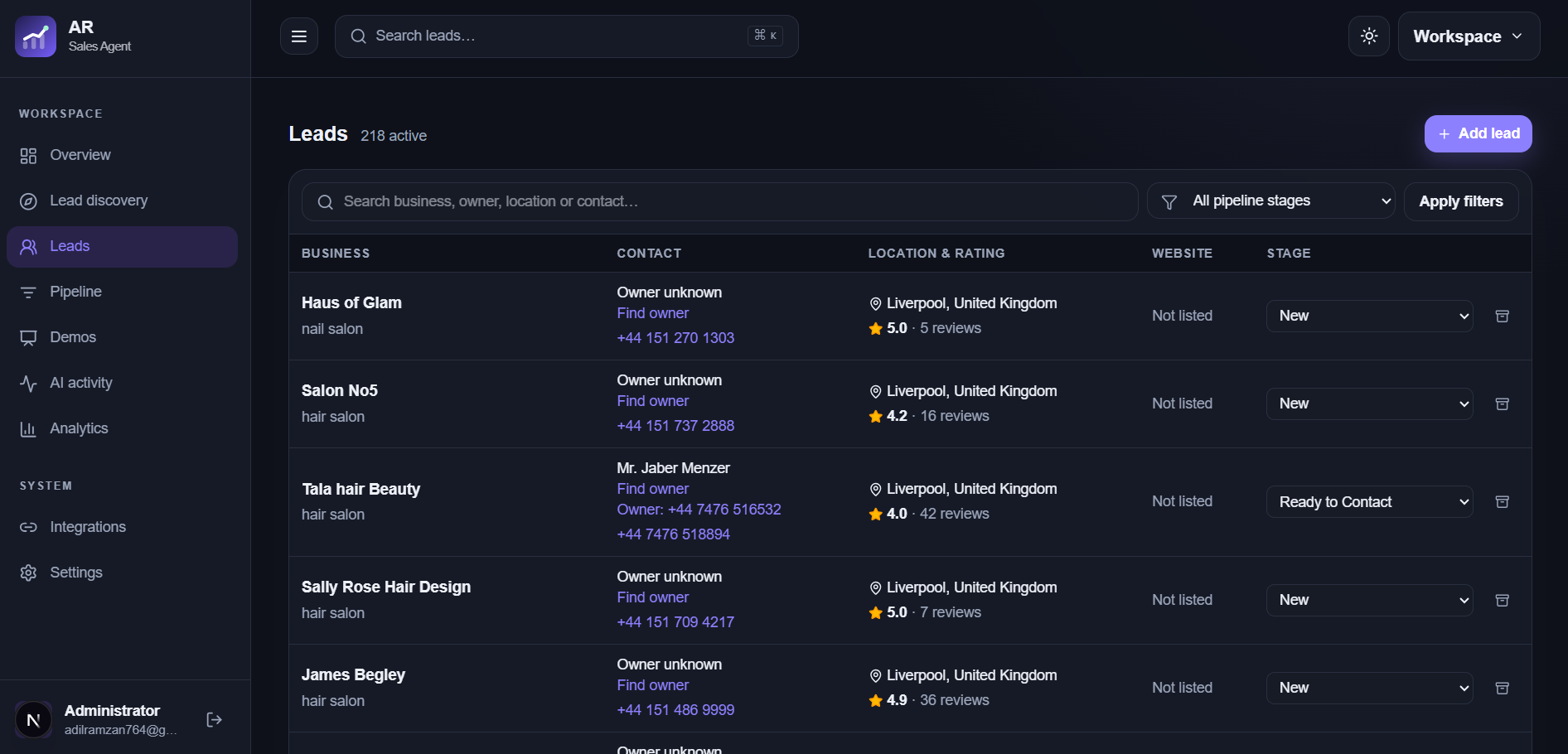
The same business can appear in discovery results, a spreadsheet, and a manual lead. Compare identity details before creating another record so outreach history and research stay connected to the right business.
A matching website domain, business email, or phone number can indicate that two records represent the same business. Name and location add context, especially when websites are missing. No single field is perfect: shared phone lines, multiple branches, and brand variations need human review.
Inspect likely matches
When an import or discovery result resembles an existing lead, check the address, branch, website, and public listing before deciding. Two offices under one brand may deserve separate records, while two spellings of one local business should usually share a history.
Protect conversation context
Duplicate records split notes, contact attempts, demos, and follow-up dates. Before adding a new prospect, search the lead list and update an existing record when it represents the same business. Record any new source or contact detail on that lead.
Review imported outcomes
The CSV import workflow reports duplicate row outcomes so you can investigate skipped records. Check them against your existing pipeline before assuming they are bad data. A duplicate signal is a review prompt, not a judgment about the business.
Frequently asked questions
Can two branches of one brand be separate leads?
Yes, when they are distinct businesses or opportunities. Check their location and contact details before deciding.
Does a matching name always mean a duplicate?
No. Common names can belong to unrelated businesses, so review location and stronger identifiers.